
Looks Like Your Cart Is Empty!
Log In To Reorder
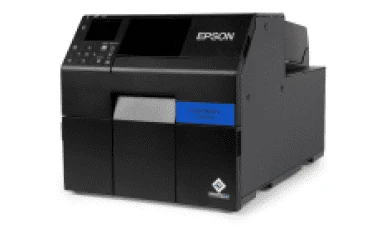
Just about anyone can sell an Epson ColorWorks printer online—but we do more.
A printer is a one-time purchase, but the labels are forever. As a label manufacturer, we offer factory-direct pricing that saves you thousands over the life of your printer. To prove it, we'll even give you free labels with your purchase.
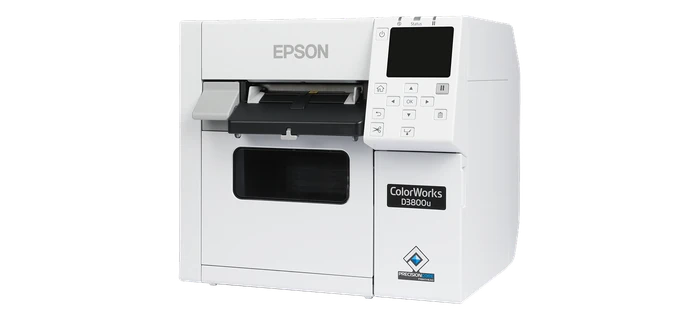

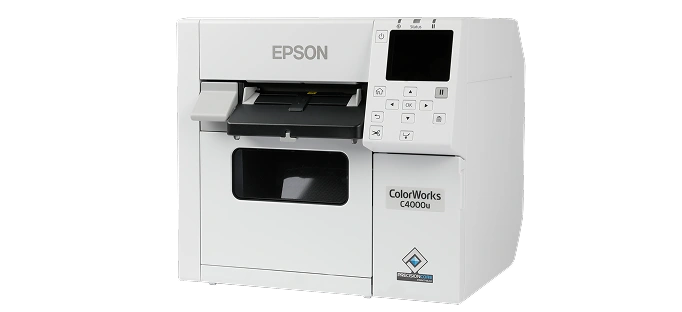
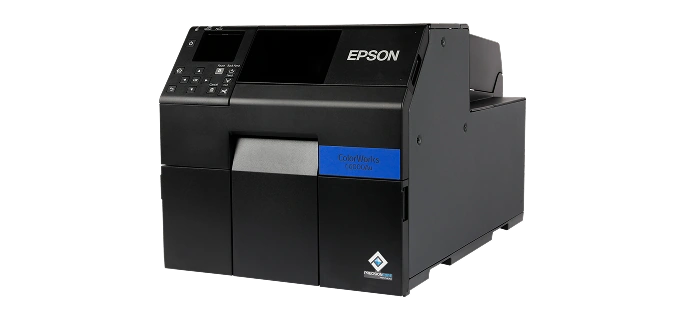
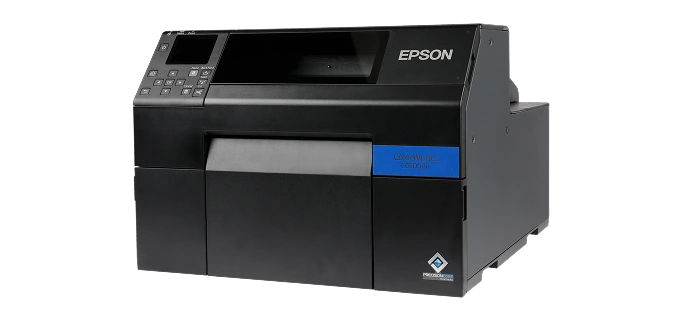
| Printer Models: | D3800 | C4000 | C6000 | C6500 | C8000 |
|---|---|---|---|---|---|
| Model Pictures |
|
|
|
|
|
| Key Model Feature | Compact Design For Small Workspaces | Compact, Affordable 4" Printer | Industrial-Grade 4" Printer, Auto Cutter Or Peeler | The Only 8" ColorWorks Printer | The Fastest ColorWorks Printer, Up To 11.8" Per Second |
| Best For | Low-Volume Jobs: Visitor Badges, Custom And Seasonal Product Labels | Small-Volume, Short-Run Jobs | Mid-Volume, On-Demand Printing | Large-Format Labels: GHS, Safety And Large Product Labels | High-Volume Labeling In Manufacturing, Logistics And Hazardous Materials |
| Print Modes | Full Color And Black & White | Full Color And Black & White | Full Color And Black & White | Full Color And Black & White | Full Color And Black & White |
| Ink Type | Epson Genuine Dye Ink | UltraChrome® DL Pigment Ink | UltraChrome® DL Pigment Ink | UltraChrome® DL Pigment Ink | UltraChrome® DL Pigment Ink |
| Printhead | Serial Inkjet PrecisionCore® TFP® | Serial Inkjet PrecisionCore® TFP® | Serial Inkjet PrecisionCore® TFP® | Serial Inkjet PrecisionCore® TFP® | PrecisionCore® Line Head |
| Print Resolution | 600 x 1200 DPI | 1200 x 1200 DPI | 1200 x 1200 DPI | 1200 x 1200 DPI | 600 x 1200 DPI |
| Print Speed | 3.94" Per Second | 3.94" Per Second | 5.0" Per Second | 5.0" Per Second | 11.8" Per Second |
| Feed Options | Auto Cutter | Auto Cutter | Auto Cutter Or Peeler | Auto Cutter Or Peeler | Auto Cutter |
| Operating Systems | |||||
| Connectivity | Ethernet 1000Base-T/100Base-TX/10Base-T, USB 2.0, Wi-Fi Optional | Ethernet 1000Base-T/100Base-TX/10Base-T, USB 2.0, Wi-Fi Optional | Ethernet 1000-T/100-TX/10-T, USB 2.0 | Ethernet 1000-T/100-TX/10-T, USB 2.0 | Ethernet 1000Base-T/100Base-TX/10Base-T, USB 2.0, USB 3.0, Wi-Fi Optional |
| Resources | — | Our Printer Review | Our Printer Review | Our Printer Review | Our Printer Review |
| Pricing | Starting at $1,499 | Starting at $2,499 | Starting at $3,059 | Starting at $3,965 | Starting at $9,630 |
| Ink Set | One Dye Ink Set (No Matte/Gloss Choice) |
Available In Gloss And Matte | Available In Gloss And Matte | Available In Gloss And Matte | Available In Gloss And Matte |
| Max. Outer Diameter | 4.0" | 4.0" | 8.0" | 6.0" | 8.0" |
| Max. Print Width | 4.25" | 4.25" | 4.25" | 8.34" | 4.25" |
| Label Width (Including Liner) | Roll: 1.0" – 4.41" Fanfold: 2.0" – 4.41" |
Roll: 1.0" – 4.41" Fanfold: 2.0" – 4.41" |
Auto Cutter: 1.0" – 4.4" Peeler: 1.0" – 4.4" |
Auto Cutter: 1.0" – 8.5" Peeler: 1.0" – 8.5" |
Internal Roll: 1.0" – 4.40" External Roll/Fanfold: 1.97" – 4.40" |
| Buy Now | Epson D3800 | Epson C4000 | Epson C6000 | Epson C6500 | Epson C8000 |
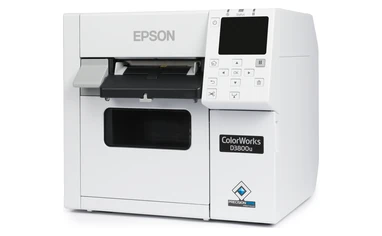
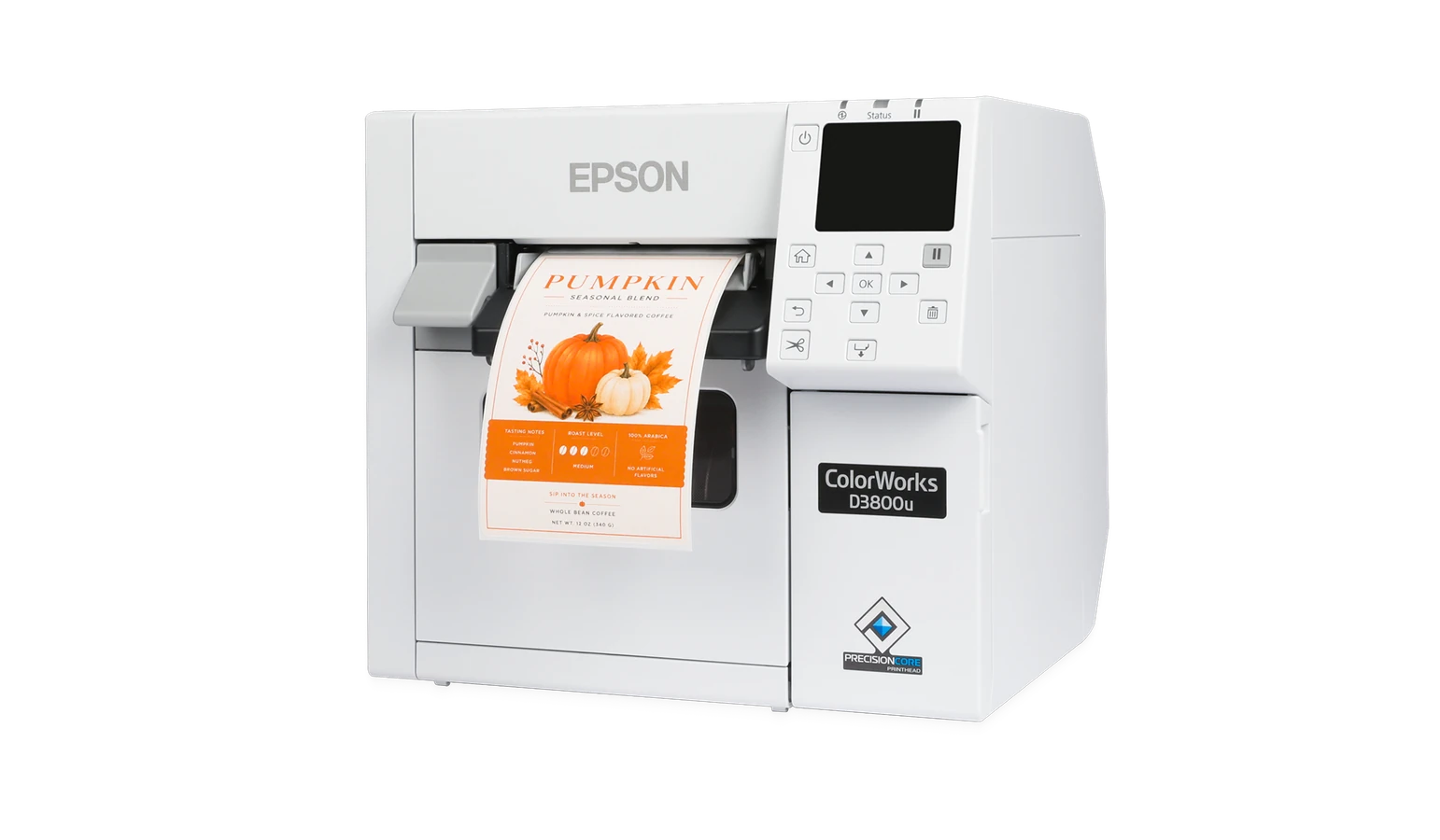
The Epson ColorWorks D3800 brings on-demand color label printing to small workspaces. Its compact design makes it a practical choice for low-volume printing, including visitor badges and custom or seasonal product labels. Epson dye-based inks produce vibrant colors at up to 600 x 1200 dpi, with one ink set and no separate matte or gloss black versions to choose between.
 Compact Printer For Small Workspaces
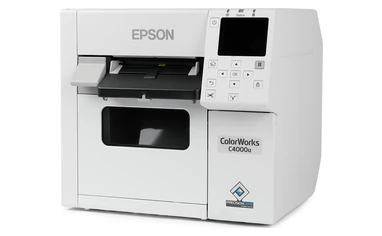
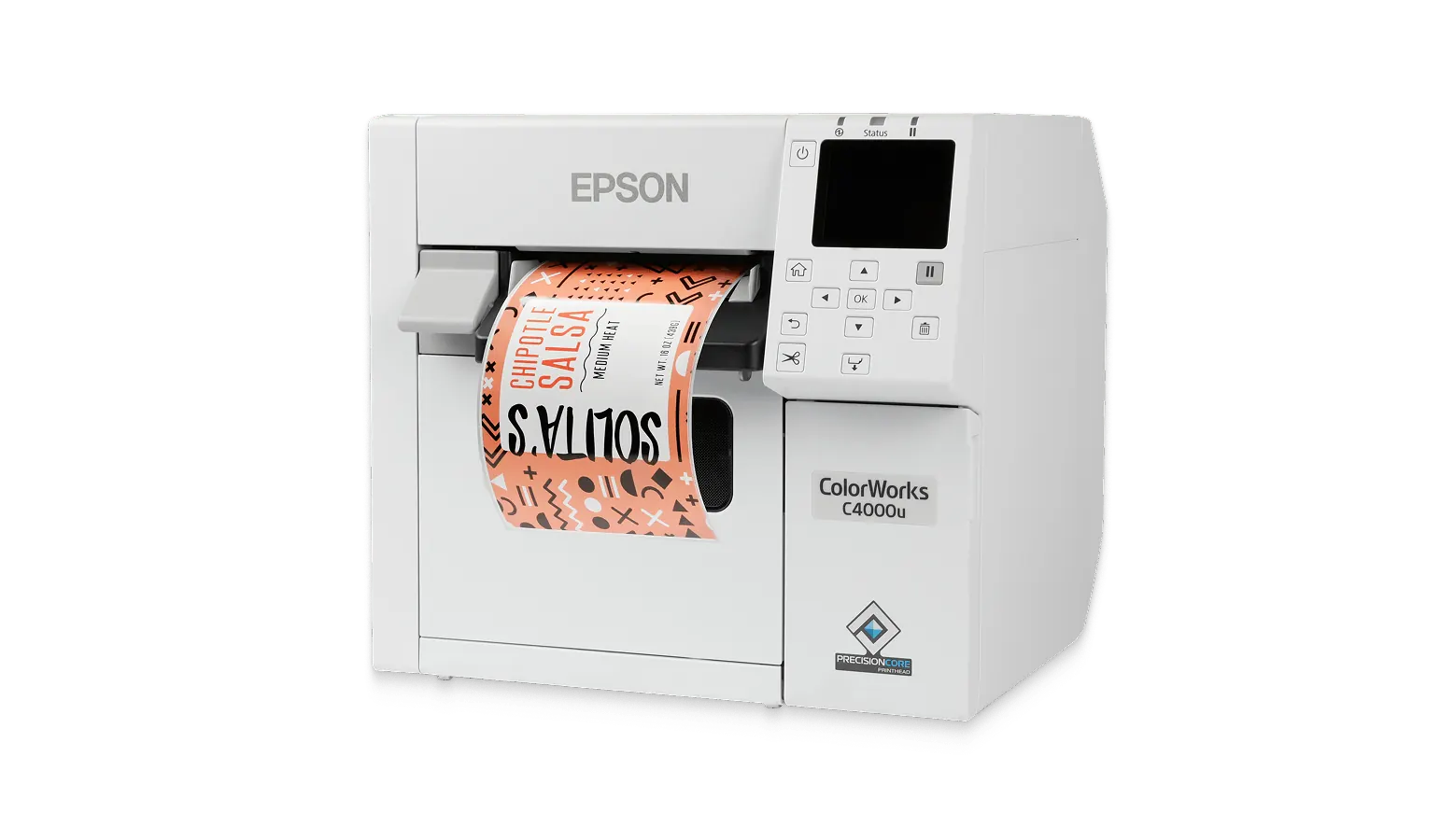
The Epson ColorWorks C4000 delivers vibrant, professional labels on demand in a compact and affordable design. With Wi-Fi connectivity, durable pigment ink, and an auto cutter, it's built for businesses that need high-quality labels without high costs. Easy to use, flexible, and efficient—print what you need, when you need it!
Ideal For Small Volume, Short Run Jobs
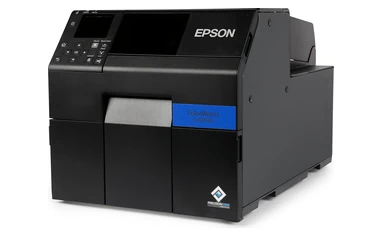
The Epson ColorWorks C6000 is a durable, industrial-grade color printer built for mid-volume on-demand printing. It offers up to 4" wide printing with an 8" OD label capacity. Additionally, you can choose an auto cutter or peel-and-present option, giving you versatility depending on your labeling needs.
Ideal For Medium Sized Jobs
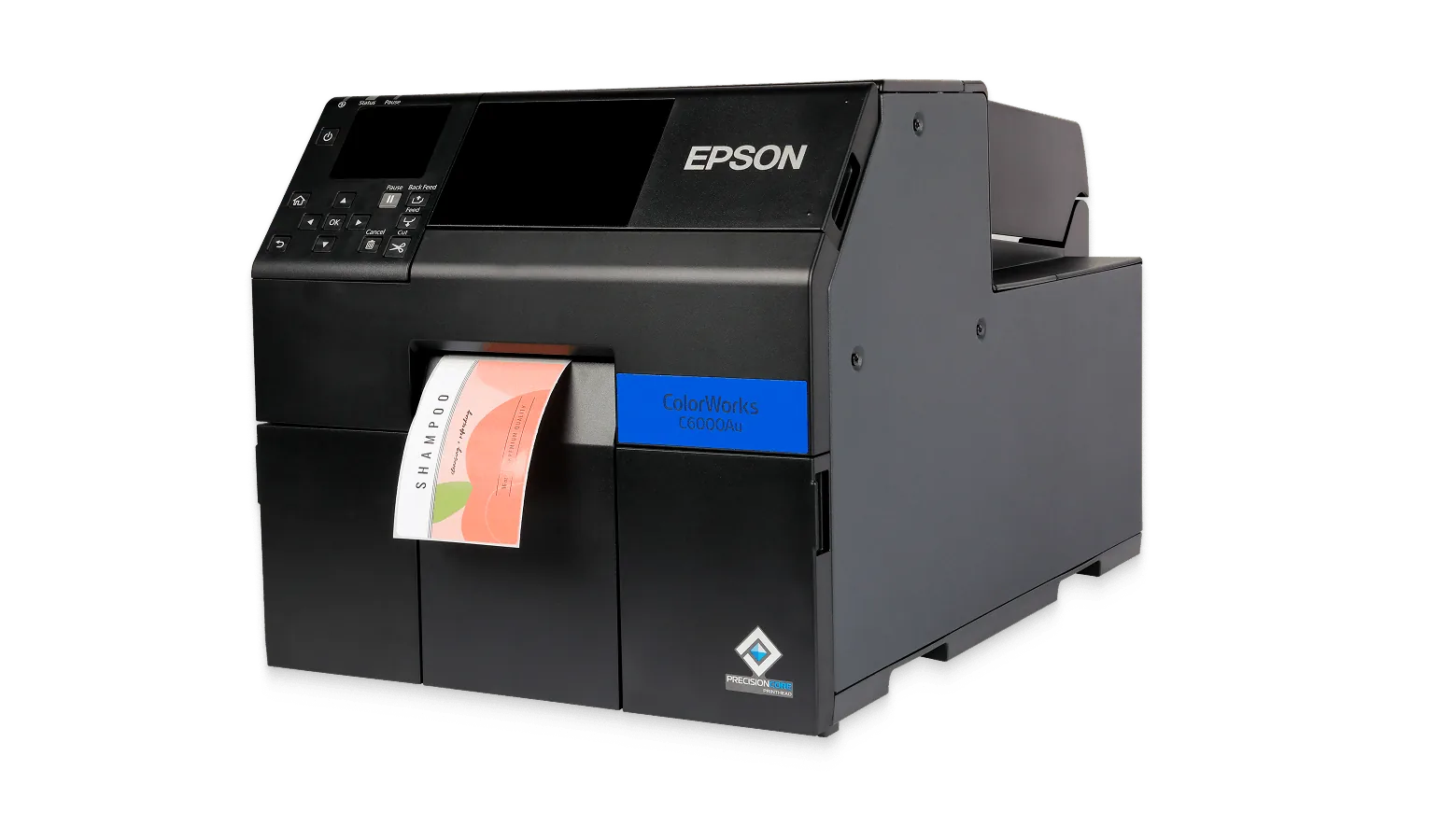
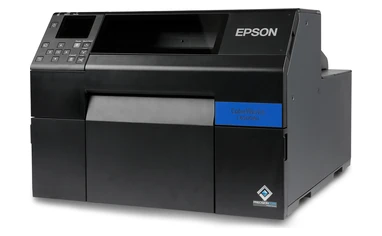
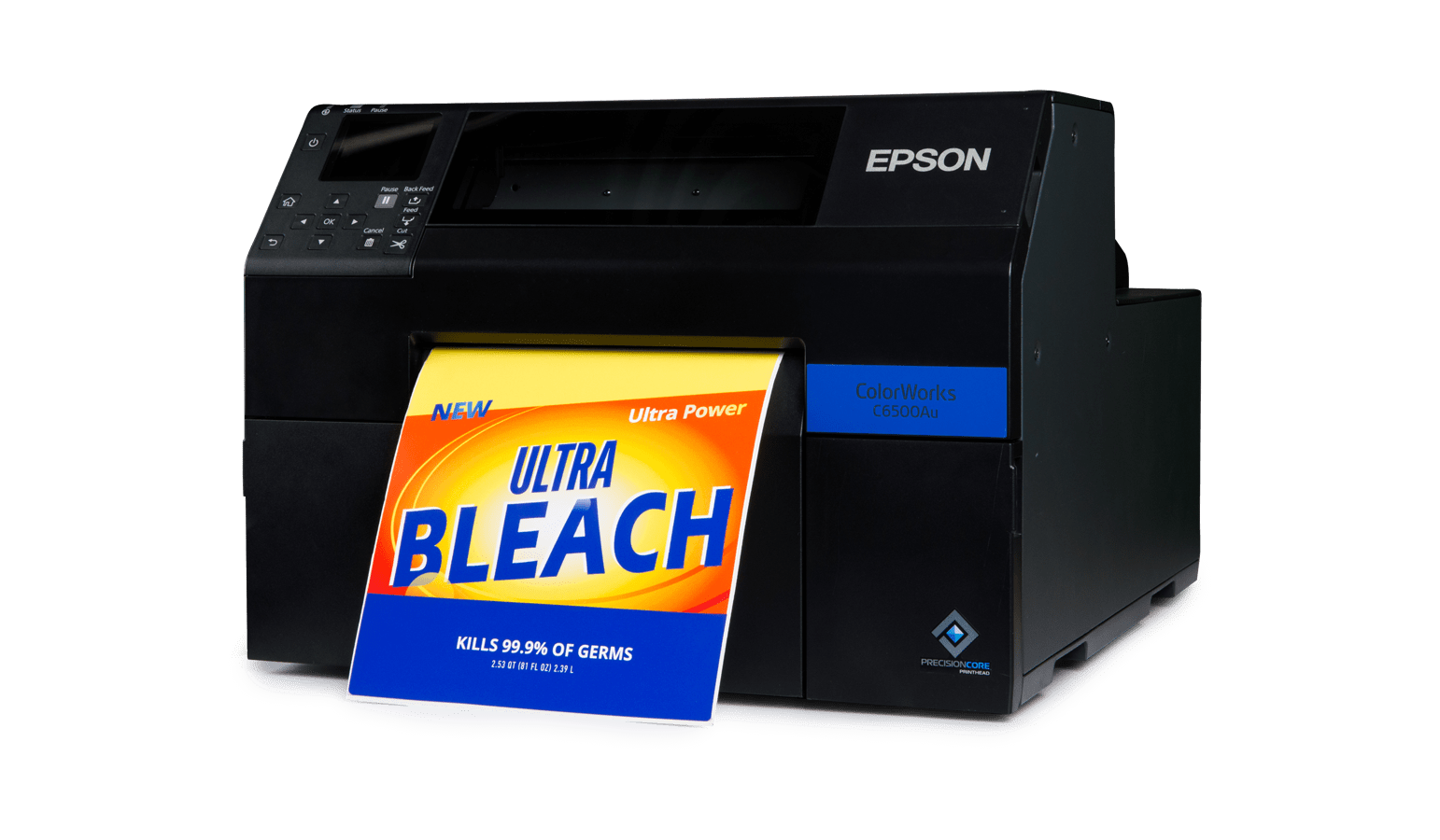
The Epson ColorWorks C6500 is a high-performance 8" wide color label printer built for large-format, high-volume printing. Ideal for GHS labels, safety labels, and large product labels, it offers auto cutter and peel-and-present options. Remote management tools help businesses monitor multiple printers, ensuring efficiency in fast-paced environments.
The Only 8-inch ColorWorks Printer
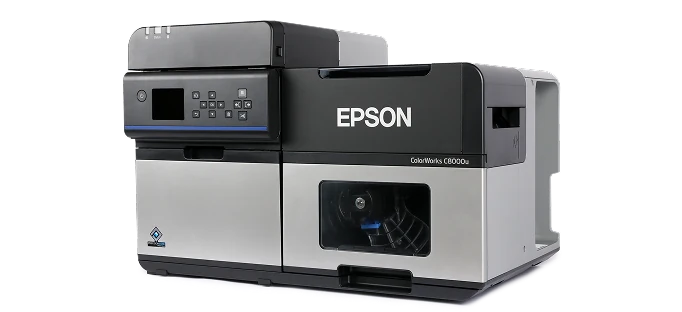
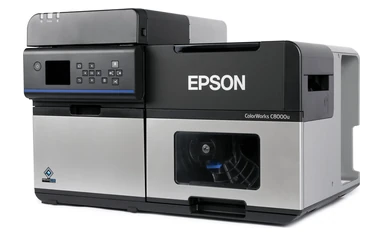
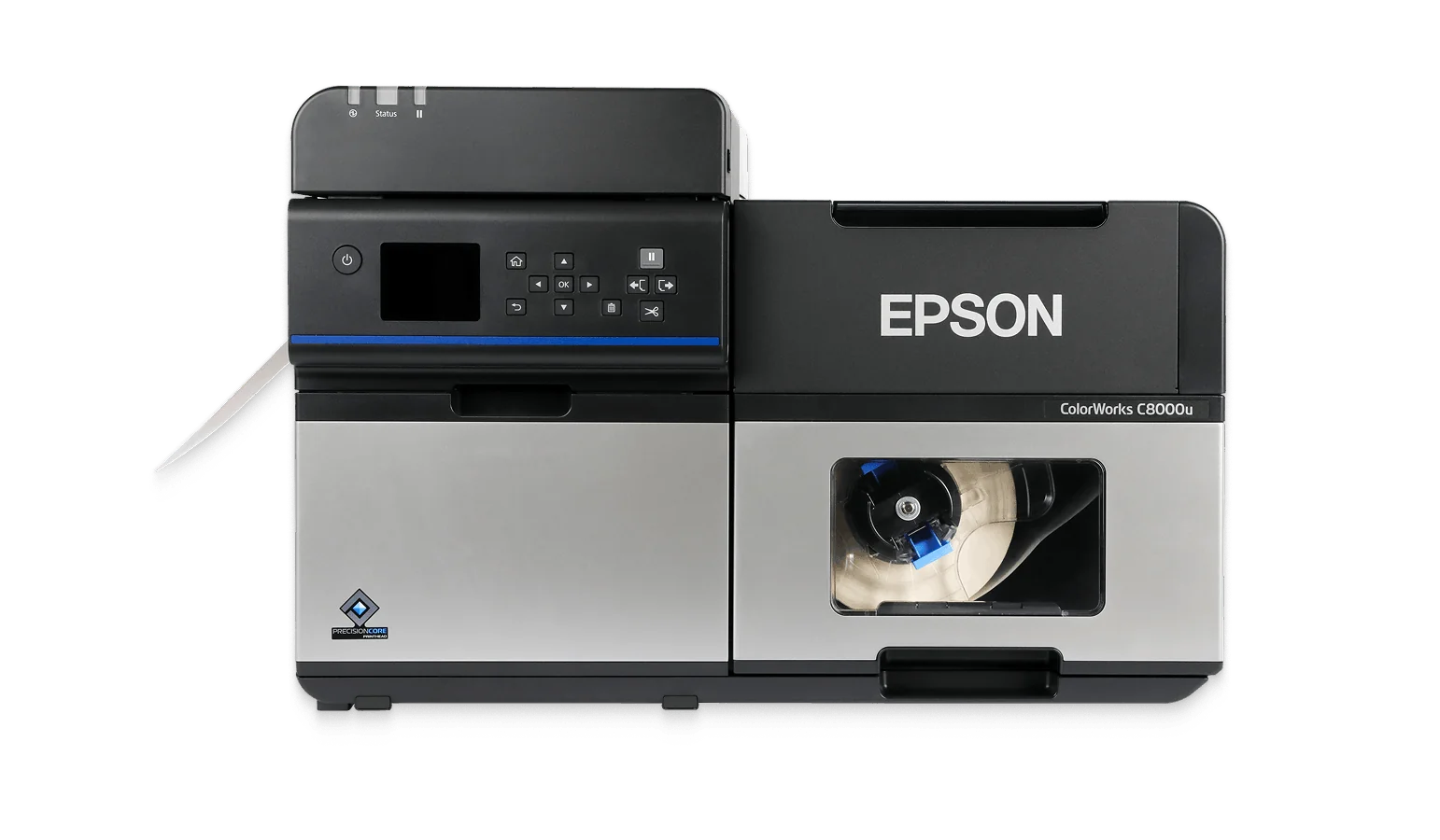
The Epson C8000 is the fastest ColorWorks printer, printing at up to 11.8 IPS for high-volume labeling. With high-capacity 1.9 L ink pouches, it reduces downtime and overall ink costs. Ideal for businesses in manufacturing, logistics, and industries using hazardous materials that need fast and reliable label printing for long-lasting results when paired with compatible materials.
High Speed Printing Up To 11.8 Inches Per Second
11.8in / Sec
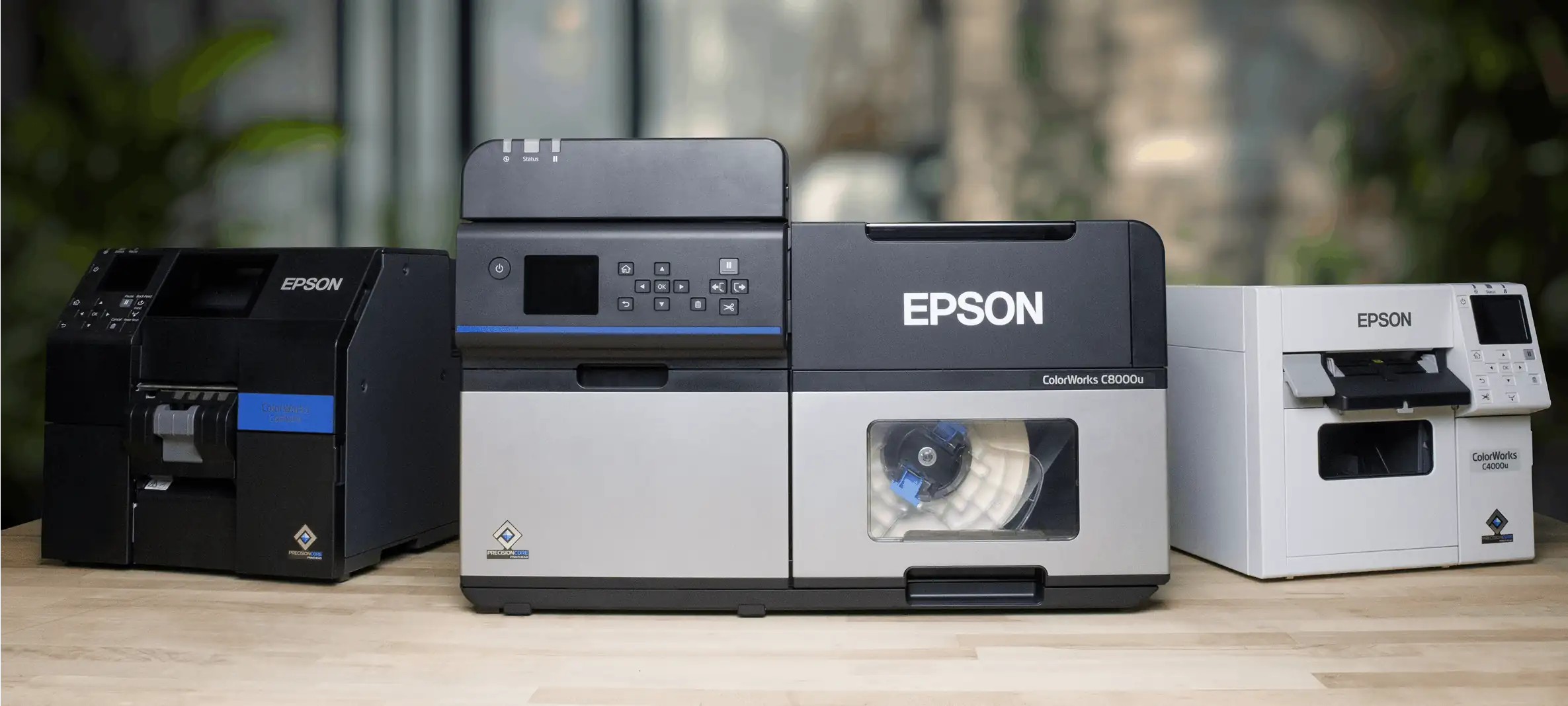
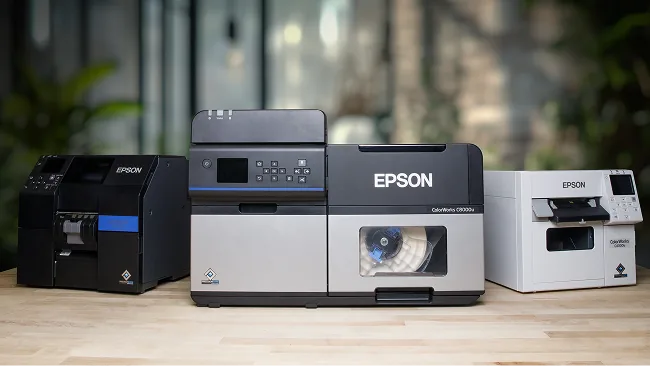
All Epson ColorWorks printers deliver high-quality color labels, but subtle yet important differences set each model apart. Factors like print width, volume capacity, roll size, and speed can influence which printer is the best fit for your needs.
To make your decision easier, we've broken down the key features of each model and ranked their performance in critical areas. This guide will help you quickly compare and find the right printer for your label printing needs.
Print Width
Print width is a great place to start. If you need to print labels wider than 4", there’s only one option—the C6500. This model prints up to 8" wide, making it the best choice for larger label printing.
Print Volume
Your printing volume also plays a key role in determining the best printer for your needs. Choosing a model that aligns with your monthly label output ensures optimal performance.
Here are the recommended print volumes based on printing 4" x 6" labels in normal mode:
While print volume is an important consideration, other factors like label roll size, ink cartridge capacity, and print speed also play a crucial role in selecting the right printer.
Roll Size
Each Epson ColorWorks printer supports different roll sizes. At first glance, the 8" OD (outer diameter) and 6" OD rolls might seem similar in label count, but that's not the case. The difference in roll length significantly impacts how often you need to reload labels.
For example, with 4" x 2" labels:
Pro Tip: If your print volume increases and you want to use larger rolls, an external media holder allows you to use bigger rolls without modifying your printer setup.
Ink Cartridge Size
In addition to label rolls, ink cartridges will need to be replaced over time. Some models use larger ink cartridges than others, affecting how often you need to restock.
Labels with heavy color coverage or full-background designs will consume more ink, requiring more frequent cartridge replacements.
Want an estimate on ink usage? Send your label design in a PDF file to info@smithcorona.com, and we'll be happy to help!
Print Speed
For high-volume label printing, speed is a critical factor in maintaining efficiency and reducing downtime.
DPI (Print Resolution)
If DPI (dots per inch) matters to you, almost all Epson ColorWorks printers offer the same high-resolution print quality—except for the C8000 and D3800, which have a slightly lower DPI.
Feed Option
Epson ColorWorks printers offer two different feed options: auto cutter and peel-and-present. Two models provide the flexibility to choose between these options.
Pro Tip: No matter which feed option you choose, you can always turn it off when not needed.
Ready to Find the Perfect Epson ColorWorks Printer?
Smith Corona is your go-to source for inkjet printing solutions. We offer Epson printers, accessories, and a wide selection of inkjet roll labels in various sizes, materials, and finishes.

Smith Corona is a certified Epson partner, offering the best in ColorWorks label printing solutions. Whether you need vibrant, full-color labels or a reliable on-demand printing system, we provide expert support and factory-direct pricing. Explore our selection of Epson ColorWorks printers and labels, backed by our commitment to quality and customer service.


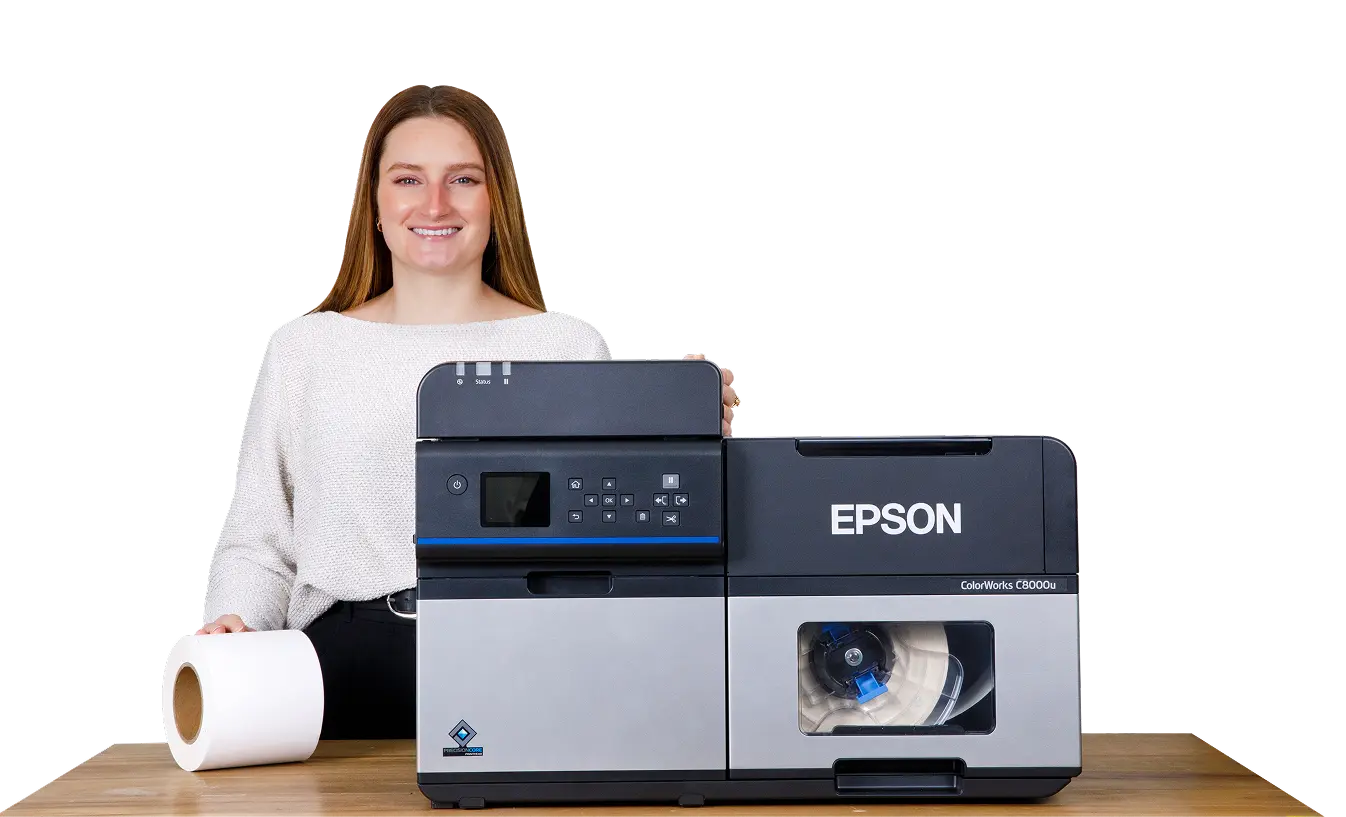
Epson ColorWorks printers deliver high-resolution, on-demand color printing for businesses that need durable, professional labels. Designed as a color upgrade to black-and-white thermal printers, these inkjet models offer crisp, vibrant prints with resolutions up to 1200 dpi, ensuring sharp detail and excellent readability.
Using pigment-based inks, the C4000, C6000, C6500 and C8000 produce long-lasting, smudge-resistant labels suitable for various applications, including product branding, compliance labeling, and inventory management. They seamlessly integrate into existing workflows, making them a versatile solution for businesses looking to enhance their labeling process. The compact D3800 uses dye-based inks for vibrant color in smaller, low-volume jobs.
The C4000, C6000, C6500 and C8000 are available in gloss and matte versions to match your preferred label material, ensuring the best print quality for your application. The D3800 has one ink set that prints on both matte and gloss labels. Select models also feature an auto cutter or peeler, allowing for easier handling and application of labels.
At Smith Corona, we provide competitive pricing and expert support to help you find the right Epson ColorWorks printer for your needs. Whether you’re printing in bulk or creating custom product labels, these printers provide reliable performance and outstanding color quality.
Evaluate your artwork in print before choosing your labels. Request a sample printed with an Epson ColorWorks printer to review the colors, detail, and label material firsthand.
Email support@smithcorona.com with your preferred label size, finish, and material. Attach your artwork as a PDF file.
We may not have your exact label size available for a sample print, but we’ll work with you to find a suitable alternative for evaluating your design and print quality.
Watch your inbox after submitting your request, as we may contact you to confirm details or ask for additional information.
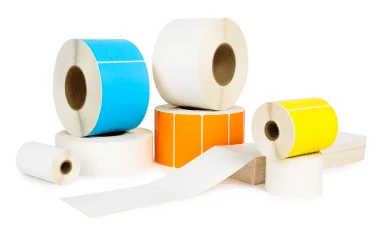
Explore label materials for your application. Request samples directly from the product page for any stock inkjet label.
Questions? Email info@smithcorona.com to discuss available sample options.
Whether you have a question about your Epson ColorWorks printer, compatible inkjet labels, or an order, Smith Corona is here to help. Contact our team to discuss what you need and the next steps.
Email: support@smithcorona.com
Phone: 800-875-7000
Include your printer model, a brief description of your question or issue, and any error messages. For print quality concerns, attach a photo of the printed label to your email. If you’re contacting us about an order, please include your order number.
Why Buy Epson ColorWorks Printers From Us

Review of the Epson ColorWorks C6500A
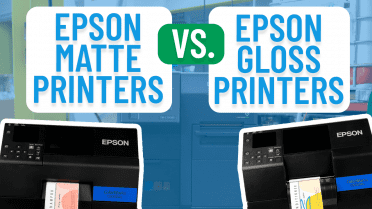
Epson Matte Printers vs. Epson Gloss Printers
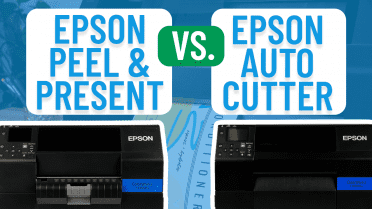
Epson Peel-and-Present vs Epson Auto-Cutter Printers
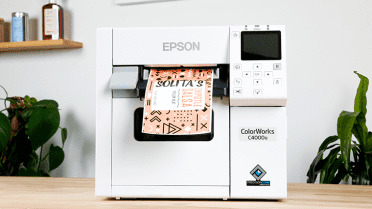
Review of the Epson ColorWorks C4000
You can spend a lot of money on a brand new inkjet printer. But what if you’re just getting started and are looking for a cheap but good option? The Epson ColorWorks C4000 combines key qualities of inkjet printing in a compact printer that won't break your wallet. But how do you know it's right for your small business? Our printer review will help you decide.
Read More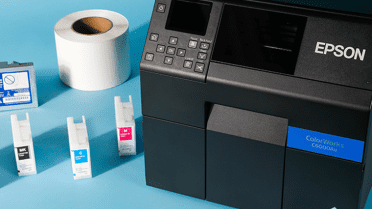
Review of the Epson ColorWorks C6000A
Blend together an upgrade from black and white thermal printing with a 4-inch print width and an auto cutter, and voilà - you have the Epson C6000A! Your business might benefit from this on-demand printer capable of delivering diverse label lengths for a variety of custom sizes. Check out our latest printer review and see for yourself!
Read More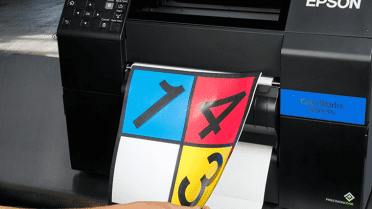
Review of the Epson ColorWorks C6500P
Want a combination of an on-demand color printer and print-and-apply automation? What about an 8-inch wide print width? Sounds like the Epson C6500P is what you’re looking for. This model specifically features a peel-and-present option that’s the first of its kind. Let’s see if this printer has all of the benefits you need for your business!
Read More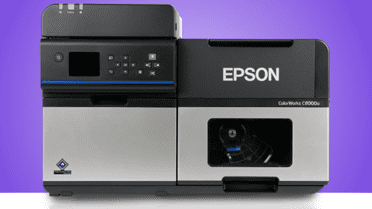
Review of the Epson C8000
With the C7500 being phased out, Epson’s new ColorWorks C8000 steps in as its next-generation replacement—designed for demanding, high-volume environments that rely on fast, full-color label printing. On paper, it promises big improvements. In this review, we take a closer look at what’s changed, what hasn't, and what those differences mean for your day-to-day label operations.
Read More Thank You!
Your Request Has Been Successfully Submitted
One of our experts will be in touch shortly! If you have any immediate questions, you can always call us Monday through Friday (9:00 AM EST to 5:00PM) at 800-875-7000



 Read Printer Buying Guide