Looks Like Your Cart Is Empty!
Log In To Reorder
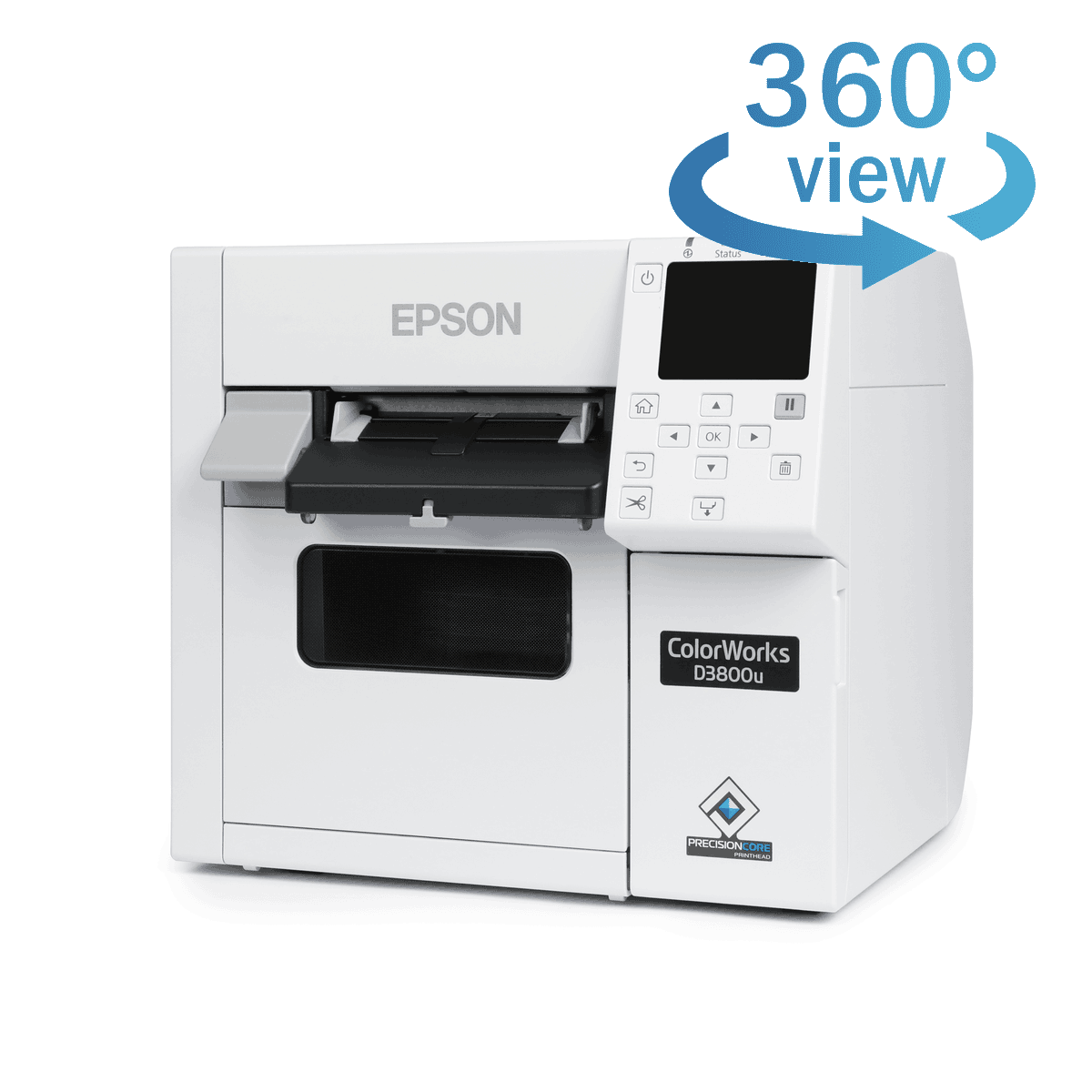
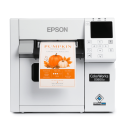
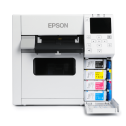
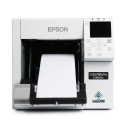
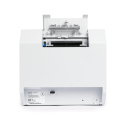
Swipe to see more product images
 Loading

Thank you for your request. A member of our team will be in touch with your special pricing shortly.
If you have any questions in the meantime, please don't hesitate to call (1-800-875-7000) or email us (support@smithcorona.com).
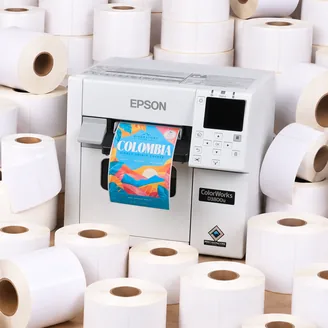
Your $500 label coupon buys more at Smith Corona. Purchase your Epson ColorWorks D3800 from us and get FREE compatible inkjet labels at our factory direct prices. Coupon provided after printer purchase. Questions? Call 800-875-7000.
Shop Compatible LabelsThe right printer starts with the right information. Use the links below to explore the Epson ColorWorks D3800 and see how it fits your business.
See how the Epson D3800 fits your label line, with a closer look at print quality, supported command languages, connectivity, and remote management.
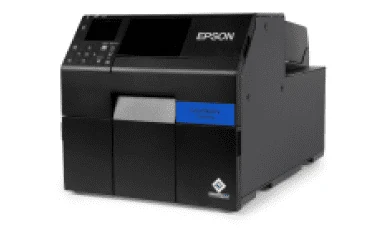
The Epson ColorWorks D3800 brings on-demand color label printing to small workspaces. Its compact design makes it a practical choice for low-volume printing, including visitor badges and custom or seasonal product labels.
Epson PrecisionCore technology gives those labels sharp text, clear barcodes, and detailed images. The permanent printhead is designed to last the life of the printer, reducing the need for routine printhead replacements.
The D3800 uses Epson dye-based inks to produce vibrant colors for a variety of labeling applications. It is available exclusively in a gloss black ink configuration, with no matte black ink version.
Through PrecisionCore technology, Epson ColorWorks printers are able to deliver top of the line print quality for text, images, barcodes, and more.
Designed for speed and precise ink placement, the D3800’s printhead works with a resolution of up to 600 × 1200 dpi to produce vibrant colors, smooth gradations, and sharp image details on your labels.
ZPL II support helps Epson ColorWorks printers work with existing label-printing software, reducing the need for reprogramming.
ESC/Label gives users complete control to customize their inkjet printer. Its command extensions support color product images, logos, and color-coded fields to highlight key information and reinforce brand identity.
Users can also configure different label types and sizes while arranging text, barcodes, logos, or graphics in any desired position on the label.
Epson ColorWorks D3800 remote management tools help IT and support teams monitor and manage networked printers across multiple locations. Teams can configure printer settings and deploy changes to groups of printers without visiting each device.
These tools support email alerts for issues that need attention, remote firmware updates, and network configuration. Browser-based access lets teams view and adjust supported settings from a computer or an Apple or Android smartphone, making routine printer management more convenient.
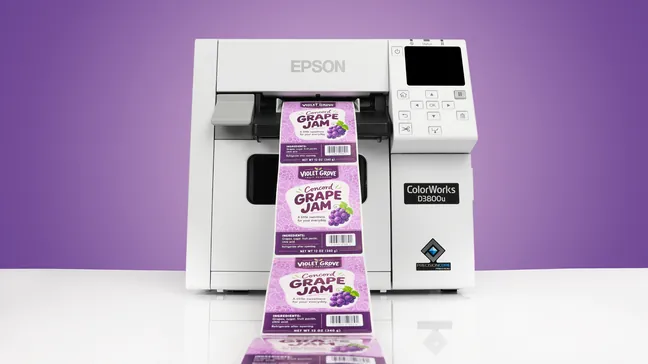

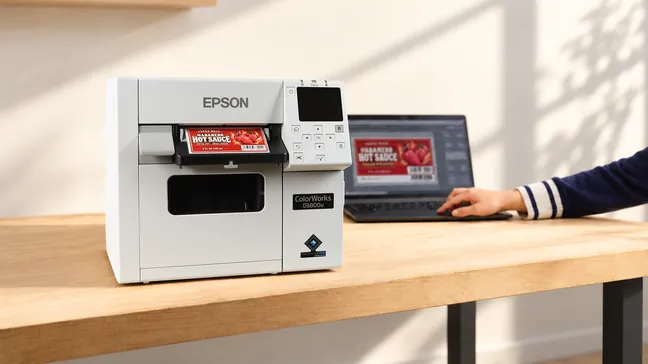
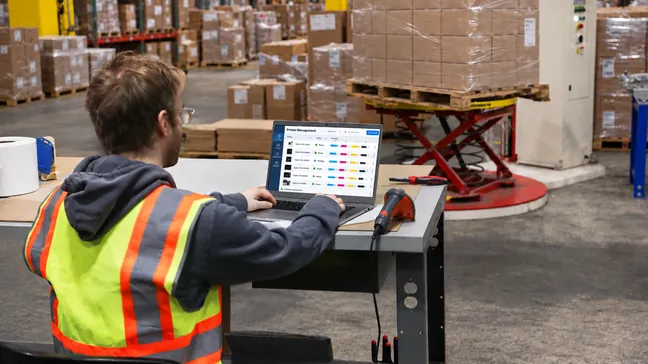
Get to know the Epson ColorWorks D3800 before your first print. Explore its design and see how it all works.
Select a marker to see the features in action
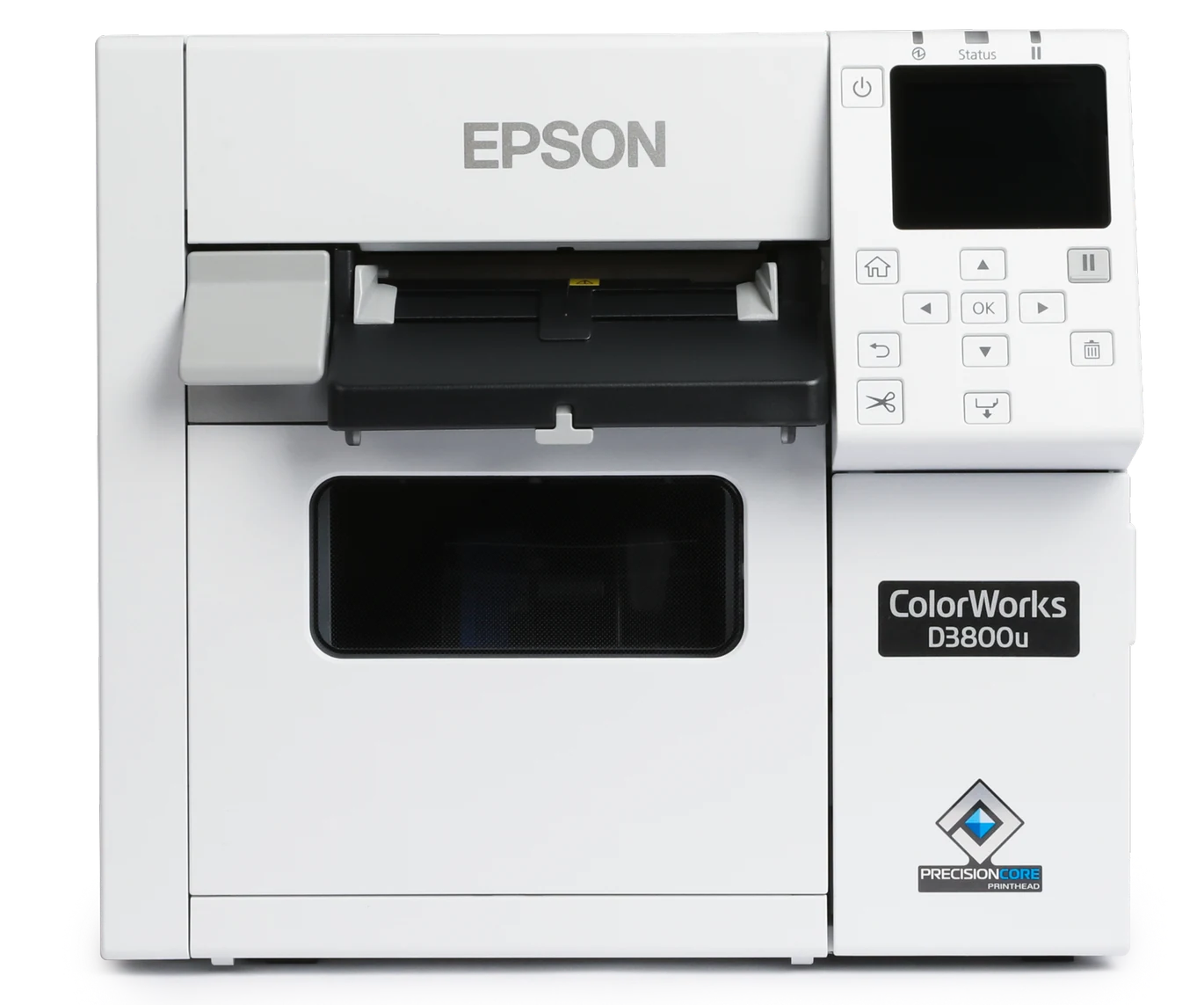
| Printer Dimensions | 12.2" x 11.1" x 11.2" |
|---|---|
| Printer Weight | 28.7 lbs |
| Printer Shipping Weight | 38.6 lbs |
| Remote Management | Yes |
| Connectivity | Ethernet 1000Base-T/100Base-TX/10Base-T, USB 2.0, Wi-Fi Optional |
|---|---|
| Printer Language | ESC/Label, ZPL II emulation |
| Factory Warranty | 1 Year |
| Operating Systems | Windows 11, 10, 8.1, Windows Server 2019, 2016, 2012 R2 (64-bit), 2012 (64-bit), Mac OS X 10.9.5 or later, macOS 11.x or later. Operation confirmed: Fedora 43 (x86_64), Ubuntu 24.04 (x86_64) |
| Printhead | Serial Inkjet PrecisionCore® TFP® |
|---|---|
| Ink Type | Epson Genuine Dye Ink |
| Ink Colors | CMYK in individual dye ink |
| Feed Option | Auto Cutter |
| Max Print Speed | 3.94" per second |
| Max Resolution | 600 x 1200 dpi |
| Media Sensor | Gap, Black Mark, Continuous |
| Media Types | Gloss Paper, Matte Paper, Gloss Polypropylene, Matte Polypropylene |
|---|---|
| Media Thickness | 0.0031" – 0.0094" (0.08 mm – 0.24 mm) |
| Max Media Width (Including Liner) | 4.41" |
| Max Print Width | 4.25" |
| Max Print Length | 16" |
| Max Roll Outer Diameter | 4.0" |
| Inner Core Diameter | 1.75" – 2.25" |
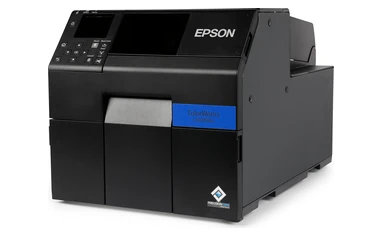
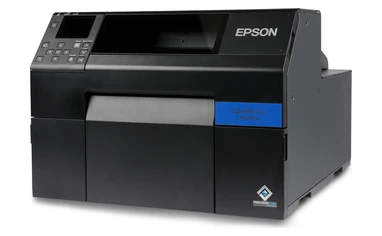
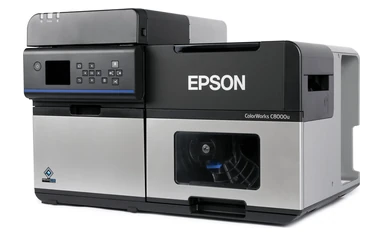
Find the right Epson ColorWorks printer for your business. Compare key specifications, features, and pricing in the chart below.
| Printer Models: | D3800 | C4000 | C6000 | C6500 | C8000 |
|---|---|---|---|---|---|
| Model Pictures |
|
|
|
|
|
| Ink Type | Epson Genuine Dye Ink | UltraChrome® DL Pigment Ink | UltraChrome® DL Pigment Ink | UltraChrome® DL Pigment Ink | UltraChrome® DL Pigment Ink |
| Printhead | Serial Inkjet PrecisionCore® TFP® | Serial Inkjet PrecisionCore® TFP® | Serial Inkjet PrecisionCore® TFP® | Serial Inkjet PrecisionCore® TFP® | PrecisionCore® Line Head |
| Print Resolution | 600 x 1200 DPI | 1200 x 1200 DPI | 1200 x 1200 DPI | 1200 x 1200 DPI | 600 x 1200 DPI |
| Print Speed | 3.94" Per Second | 3.94" Per Second | 5.0" Per Second | 5.0" Per Second | 11.8" Per Second |
| Feed Options | Auto Cutter | Auto Cutter | Auto Cutter Or Peeler | Auto Cutter Or Peeler | Auto Cutter |
| Operating Systems | |||||
| Connectivity | Ethernet 1000Base-T/100Base-TX/10Base-T, USB 2.0, Wi-Fi Optional | Ethernet 1000Base-T/100Base-TX/10Base-T, USB 2.0, Wi-Fi Optional | Ethernet 1000-T/100-TX/10-T, USB 2.0 | Ethernet 1000-T/100-TX/10-T, USB 2.0 | Ethernet 1000Base-T/100Base-TX/10Base-T, USB 2.0, USB 3.0, Wi-Fi Optional |
| Resources | — | Our Printer Review | Our Printer Review | Our Printer Review | Our Printer Review |
| Pricing | Starting at $1,499 | Starting at $2,499 | Starting at $3,059 | Starting at $3,965 | Starting at $9,630 |
| Ink Set | One Dye Ink Set (No Matte/Gloss Choice) |
Available In Gloss And Matte | Available In Gloss And Matte | Available In Gloss And Matte | Available In Gloss And Matte |
| Max. Outer Diameter | 4.0" | 4.0" | 8.0" | 6.0" | 8.0" |
| Max. Print Width | 4.25" | 4.25" | 4.25" | 8.34" | 4.25" |
| Label Width (Including Liner) | Roll: 1.0" – 4.41" Fanfold: 2.0" – 4.41" |
Roll: 1.0" – 4.41" Fanfold: 2.0" – 4.41" |
Auto Cutter: 1.0" – 4.4" Peeler: 1.0" – 4.4" |
Auto Cutter: 1.0" – 8.5" Peeler: 1.0" – 8.5" |
Internal Roll: 1.0" – 4.40" External Roll/Fanfold: 1.97" – 4.40" |
| Buy Now | Epson D3800 | Epson C4000 | Epson C6000 | Epson C6500 | Epson C8000 |
| Media | Gloss Black Ink |
|---|---|
| Matte Paper | Good Image |
| Matte Polypropylene | Good Image |
| Gloss Paper | Excellent Image |
| Gloss Polypropylene | Excellent Image |
The Epson ColorWorks CW-D3800 is a compact 4" color inkjet label and badge printer that uses dye ink. It prints up to 600 x 1200 dpi on roll or fanfold media up to 4.25" print width. This Epson printer is for low-volume, on-demand jobs such as visitor badges and seasonal or private-label product labels.
If you print about 50 labels a day on a standard indoor media and want the lowest entry cost choose the Epson ColorWorks CW-D3800. Choose the CW-C4000 for higher volume printing, pigment-ink durability, BS 5609 compliance, 1200 x 1200 dpi resolution, or cloud printing. Both offer the same compact design, 4.25" print width, and 4" maximum roll OD.
No, the Epson CW-D3800 is designed for indoor labeling applications and is not intended for GHS or chemical drum labels. For applications requiring greater durability and chemical resistance, consider a pigment-based Epson ColorWorks printer, such as the C4000, C6000, C6500, or C8000.
No, the Epson ColorWorks CW-D3800 is only available in one version, which uses CMYK dye-based inks. Unlike the C4000, C6000, C6500, and C8000, there are no separate gloss or matte black ink options to choose from.
The CW-D3800 prints up to 4.25" wide and works with both roll and fanfold media. Rolls can be 1.0" to 4.41" wide (including liner), and fanfold can be 2.0" to 4.41" wide. Labels can be 0.31" to 16" long. Internal rolls can be up to 4" in outside diameter on a 1.75" to 2.25" core. Media thickness can range from 0.0031" to 0.0094".
Yes. Epson lists visitor management and event badges among the CW-D3800’s main uses. It prints on wristband media with a black mark, as well as die-cut labels, continuous labels, and tag stock. Use an inkjet-receptive badge or wristband stock between 1.0" and 4.41" wide.
No. You can use labels from any manufacturer as long as they’re inkjet-receptive and fit the printer’s width, core, and outside diameter limits. Smith Corona makes compatible 2" core, 4" OD inkjet roll labels in gloss paper, matte paper, and polypropylene. The only supply that must be Epson-brand is the ink.
Coated gloss and matte inkjet stock work best with the CW-D3800’s dye ink and give you the most vibrant color. The printer also prints on plain paper, gloss film, synthetic labels, and wristbands. Keep in mind that dye ink isn’t as water- or fade-resistant as pigment ink. If your labels will be exposed to moisture, abrasion, or sunlight, test your media first.
Yes. The CW-D3800 supports both ESC/Label and ZPL II. If you’re replacing a Zebra printer, test your ZPL formats on the D3800 before rolling it out across your fleet.
The Epson ColorWorks CW-D3800 has drivers for Windows 11, 10, and 8.1, Windows Server 2012–2019, and macOS (Mac OS X 10.9.5 or later). Operation has also been confirmed on Fedora 43 and Ubuntu 24.04 (x86_64). You can also print from iOS and Android using the Epson ColorWorks Print 2.0 app.
The CW-D3800 comes with access to Label Boost Designer (a free download), the Label Boost Concierge app, and the Epson ColorWorks Print app. Label Boost Shipper is sold separately. The Windows driver also works with BarTender, NiceLabel/Loftware, and TEKLYNX CODESOFT.
The Epson ColorWorks CW-D3800 comes with USB 2.0 and Gigabit Ethernet. For Wi-Fi, you’ll need the optional Wi-Fi dongle (OT-WL06). You can manage printers remotely with Epson Device Admin and WebConfig. Unlike the CW-C4000, the D3800 doesn’t support Epson cloud printing.
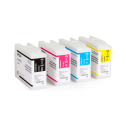
The Epson ColorWorks CW-D3800 uses four 40 mL SJIC56P dye ink cartridges: black (SJIC56P-BK), cyan (SJIC56P-C), magenta (SJIC56P-M), and yellow (SJIC56P-Y). The CW-C4000’s SJIC41P pigment cartridges won’t work in the D3800, and the printer only accepts genuine Epson cartridges.
The Epson ColorWorks CW-D3800 uses the SJMB4000 maintenance box, the same one as the CW-C4000. It collects waste ink from printhead cleaning, and you’ll need to replace it when the printer says it’s full. One comes with the printer, but we suggest keeping a spare on hand so you aren’t stuck waiting when it fills up.
No. The Epson ColorWorks CW-D3800 has a permanent PrecisionCore printhead designed to last the life of the printer, so it isn’t something you’ll replace like ink. To help keep print quality consistent over that time, the printer uses Automatic Nozzle Verification Technology to check for missing dots. If the printhead has a hardware problem, it’s covered by Epson’s 1-year limited warranty, or longer if you buy an Epson extended service plan.
The ink cartridges that come with the Epson ColorWorks CW-D3800 are setup cartridges. Some of their ink is used to fill the printhead when you first set up the printer, so they run out sooner than replacement cartridges. That’s why we suggest ordering an extra set of cartridges when you buy the printer. How long ink lasts also depends on how much of each label your design covers, your print settings, media, and how often you print. Designs with heavy ink coverage cost more per label. Printing infrequently does too, because the printer uses ink to clean the printhead after sitting idle.
Streaks or white lines on Epson ColorWorks CW-D3800 labels usually mean the printhead nozzles are clogged. Print a nozzle check pattern from the printer’s Maintenance menu or the driver utility. If any lines are missing, run a head cleaning and print the pattern again. It’s also worth checking that the media type setting matches the label stock you loaded.
Blank labels or a media error on the Epson ColorWorks CW-D3800 usually mean the media detection setting doesn’t match your label stock. Set the detection mode (gap, black mark, or continuous) and the label dimensions to match your roll, then run media detection. Our labels have a 0.125" gap between them. Enter the dimensions carefully, since being off by more than about 0.04" can cause a size error.
Epson ColorWorks CW-D3800 labels can smudge when wet because the printer uses dye ink, which isn’t as water-resistant as pigment ink. To help prevent smudging, let labels dry completely, use coated inkjet media, or add a laminate. If your labels need to hold up to moisture, a pigment-ink model like the Epson ColorWorks CW-C4000 is a better fit.
To print over Wi-Fi with the Epson ColorWorks CW-D3800, you’ll need the optional OT-WL06 Wi-Fi dongle, since the printer doesn’t have built-in Wi-Fi. Once it’s installed, set up your network from the printer’s color LCD. You can then print from your phone using the Epson ColorWorks Print 2.0 app. For the best performance, keep the printer within good range of your router.
Yes. Every Epson ColorWorks CW-D3800 bought online from Smith Corona comes with a one-time-use $500 coupon for free blank inkjet labels. We’ll email you the coupon after your purchase. It can only be used on blank inkjet labels, not tax, shipping, or other products. If you don’t receive it, email us at support@smithcorona.com.
No. Smith Corona ships every Epson ColorWorks printer for free, including the Epson ColorWorks CW-D3800. If you’re buying three or more printers, call us at 800-875-7000 for a volume quote. Payment terms are available for qualified accounts.
The Epson ColorWorks CW-D3800 comes with Epson’s 1-year limited warranty with depot repair, meaning you send the printer to Epson to be fixed. You can extend your coverage to as much as 5 years total with an Epson extended service plan.
Epson offers two types of extended service plans for the Epson ColorWorks CW-D3800. Preferred Plus Spare-in-the-Air plans ship you a replacement printer by next business day and come in 1-, 3-, and 5-year terms. Return for Repair plans, where you send the printer to Epson to be fixed, come in 1-, 2-, and 4-year terms. Total coverage, including the standard 1-year warranty, can’t exceed 5 years.
Evaluate your artwork in print before choosing your labels. Request a sample printed with an Epson ColorWorks printer to review the colors, detail, and label material firsthand.
Email support@smithcorona.com with your preferred label size, finish, and material. Attach your artwork as a PDF file.
We may not have your exact label size available for a sample print, but we’ll work with you to find a suitable alternative for evaluating your design and print quality.
Watch your inbox after submitting your request, as we may contact you to confirm details or ask for additional information.
Explore label materials for your application. Request samples directly from the product page for any stock inkjet label.
Questions? Email info@smithcorona.com to discuss available sample options.
Whether you have a question about your Epson ColorWorks printer, compatible inkjet labels, or an order, Smith Corona is here to help. Contact our team to discuss what you need and the next steps.
Email: support@smithcorona.com
Phone: 800-875-7000
Include your printer model, a brief description of your question or issue, and any error messages. For print quality concerns, attach a photo of the printed label to your email. If you’re contacting us about an order, please include your order number.

Smith Corona is a certified Epson partner, offering the best in ColorWorks label printing solutions. Whether you need vibrant, full-color labels or a reliable on-demand printing system, we provide expert support and factory-direct pricing. Explore our selection of Epson ColorWorks printers and labels, backed by our commitment to quality and customer service.


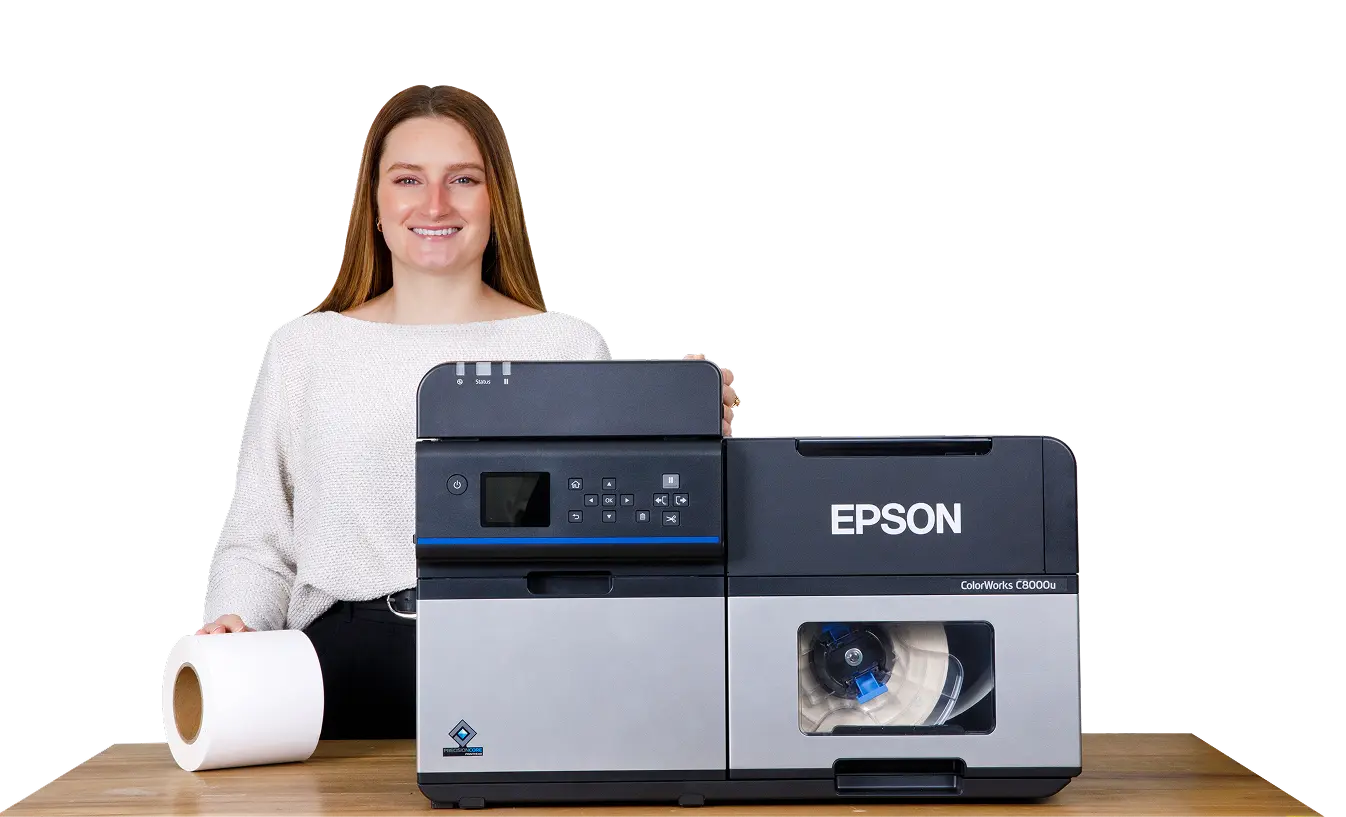
From national brands to growing small businesses, companies across every industry trust Smith Corona for dependable labeling and printing supplies.











“After testing several suppliers, we chose Smith Corona because they delivered the best overall value. The pricing is noticeably better, the labels run clean, and our printers accepted them right away. No surprises or no downtime. Their quick shipping and friendly support staff have made every reorder a simple process.”

Better pricing, dependable supply, fast shipping, and real support. Everything you need to keep your labeling operation running smoothly.
Our customers consistently save compared to major marketplaces and distributors, without sacrificing quality or performance.
Orders ship fast so you can keep printing, labeling, and shipping without interruption.
Our labels and supplies are tested for clean performance and consistent printing, backed by our satisfaction guarantee.
Real people, real help. Our team is here to answer questions, recommend the right products, and make reordering simple.